imo Account Delete: How to Delete Your imo Account (2027)
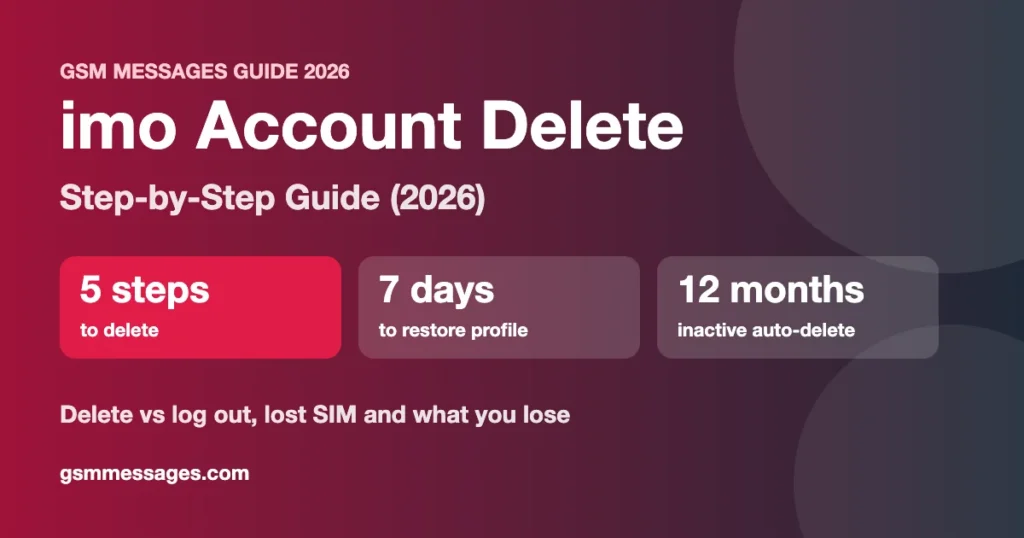
imo account delete, in short: open imo, tap your profile picture, go to Settings > Account & Security > Delete imo Account, type your number without the first 0 and confirm. This wipes your chats and contacts. If you only want a break, log out instead, because logging out keeps everything.
Last updated: November 2026. Steps checked against imo’s official help center.
- The option is in Settings > Account & Security > Delete imo Account.
- Type your phone number without the leading 0 and with no spaces or symbols.
- Deleting removes chats, contacts and other data; logging out does not.
- Newer versions let you restore your profile and contact list within 1 week.
- After a suspicious login, imo blocks deletion for 7 days.
How Do You Do an imo Account Delete Step by Step?
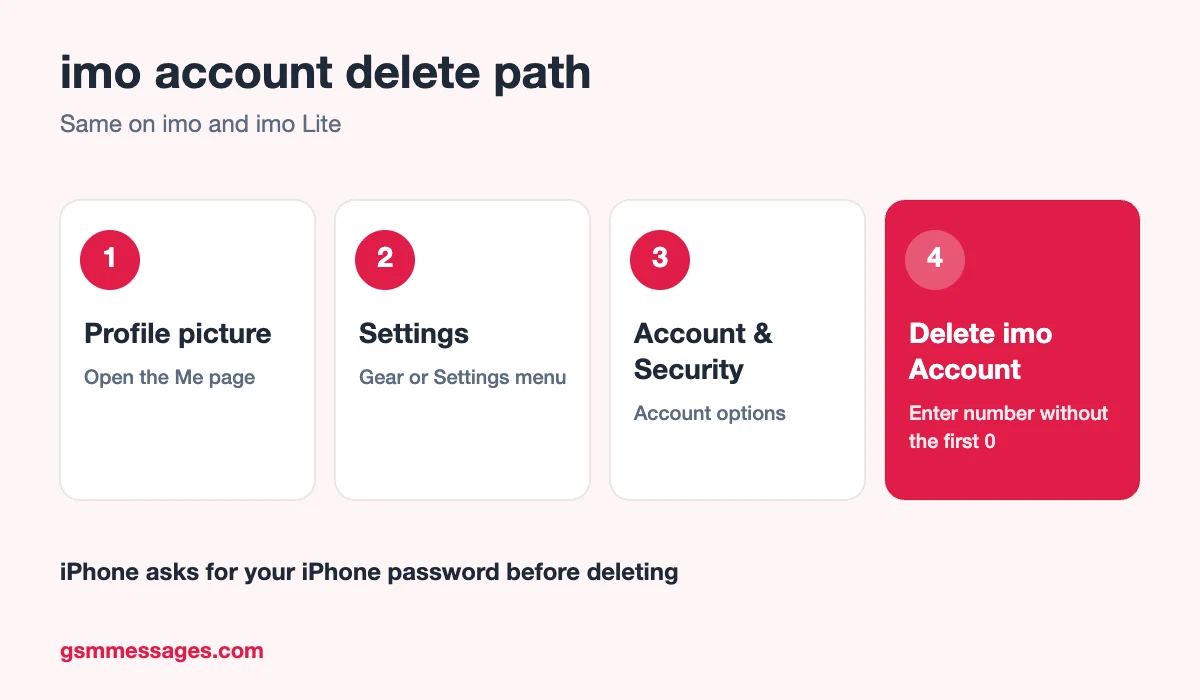
The imo account delete option sits inside your account settings. It works the same on imo and imo Lite. Follow these steps:
- Open imo and tap your profile picture to open the Me page.
- Tap Settings, then Account & Security.
- Tap Delete imo Account.
- Enter the phone number linked to the account without the first 0 and without spaces or dashes (for 01712345678, type 1712345678 after the +880 code).
- Tap Delete and confirm. On iPhone, enter your iPhone password when asked.
On some older Android versions, the path starts from the + button: + > More > Settings > Account & Security > Delete imo account. If you can’t find the option at all, update imo first.
What Happens After an imo Account Delete?
Here is what imo’s help center says happens, day by day:
After you tap Delete
Based on imo’s official help pagesShould You Delete or Just Log Out?
Many people choose an imo account delete when logging out would do. Answer these three questions:
Delete or log out? Quick check
| Log out | Delete account | |
|---|---|---|
| Profile | Kept | Removed (restorable for 1 week on new versions) |
| Chat history | Kept | Removed |
| Contacts | Kept | Removed (contact list restorable for 1 week) |
| Diamonds, beans, level | Kept | Lost |
| Path | Settings > Account & Security > Log out | Settings > Account & Security > Delete imo Account |
Why Is imo Account Delete Not Working?
Security lock: if imo spots a suspicious login attempt on your account, it disables account deletion, number changes and device management for 7 days to protect you.
Other common causes:
- Wrong number format. Type the number without the first 0 and with no spaces, dashes or brackets.
- Old app. Update imo from the Play Store or App Store, then look again.
- Not your trusted device. Open Settings > Manage devices, set your current phone as the trusted device, and verify with the code sent to your number.
How Is imo Account Delete Different on iPhone?
The imo account delete steps on iPhone are almost the same as on Android. Tap your profile picture to open your profile page, open Settings, and look for the account settings section with the delete option. The one extra step: imo asks for your iPhone password before it finishes, to confirm the phone’s owner is the one deleting.
If you use imo on both a phone and a computer, deleting from the phone closes the account everywhere. You don’t need to repeat the imo account delete on each device.
What Should You Do Before an imo Account Delete?
- Save media. Download photos, videos and voice notes you want to keep. Once chats are cleared, you can’t pull them back.
- Use or give away diamonds. Diamonds, beans and your level are not restored after deletion.
- Tell family. Share your new number or app so relatives abroad can still reach you.
- Leave big groups you run. Hand admin rights to someone else first so the group keeps going.
How Do You Delete imo Without the Old SIM?
imo recommends deleting your account if you lose your SIM, so no one else can use it. You need to be signed in to do this. If you’re still logged in on a phone, run the imo account delete steps above right away.
If you’re locked out, ask your mobile operator for a replacement SIM with the same number. If that isn’t possible, imo says you can try to recover the account through 2-step verification and move it to a new number.
Bought a new SIM and found someone else’s imo account on it? That account probably belonged to the number’s old owner. imo suggests deleting it and creating a fresh account, or removing unknown devices in Security & Privacy > Manage Devices.
Does imo Delete Inactive Accounts Automatically?
Yes. According to imo, an account that stays inactive for 12 months or more may be suspended or deleted automatically. So if you simply stop using imo, your account will usually disappear on its own after a year, even without a manual imo account delete. If you live abroad and can’t receive codes on your old number, imo suggests changing the account’s phone number before that happens.
More imo Guides
- imo ID name ideas and name maker
- How to change your imo name
- imo Lite vs imo
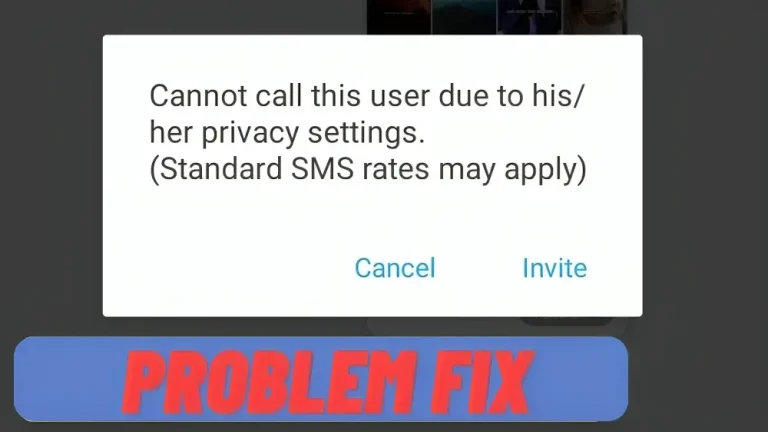
- imo “cannot call this user” fix
imo অ্যাকাউন্ট ডিলিট (বাংলায় সংক্ষেপে)
- প্রোফাইল ছবিতে ট্যাপ করে Settings, তারপর Account & Security, তারপর Delete imo Account-এ যান।
- নম্বর লিখুন শুরুর ০ বাদ দিয়ে, কোনো স্পেস বা চিহ্ন ছাড়া। তারপর Delete চাপুন।
- ডিলিট করলে চ্যাট আর কন্টাক্ট মুছে যায়। নতুন ভার্সনে ১ সপ্তাহের মধ্যে প্রোফাইল আর কন্টাক্ট লিস্ট ফেরত আনা যায়।
- শুধু বিরতি চাইলে ডিলিট না করে Log out করুন। ১২ মাস ব্যবহার না করলে imo নিজেই অ্যাকাউন্ট মুছে দিতে পারে।
Frequently Asked Questions
How do I delete my imo account permanently?
Go to Settings, then Account & Security, then Delete imo Account. Enter your number without the first 0 and confirm. Your chats, contacts and other data are removed.
Can I recover a deleted imo account?
On newer imo versions you can restore your profile, contact list, big groups and block list within one week by signing in again. Diamonds, beans and level are not restored, and old chats may be lost.
Why can’t I delete my imo account?
If imo detects a suspicious login on your account, it turns off account deletion for 7 days to protect you. Wait, update imo, and try again.
Does uninstalling imo delete my account?
No. Uninstalling only removes the app from your phone. Your account stays active until you delete it in Settings or it stays unused for about 12 months.
Does imo delete inactive accounts?
Yes. imo says accounts inactive for 12 months or longer may be suspended or deleted automatically.
What is the difference between log out and delete on imo?
Logging out keeps your profile, chat history and contacts so you can sign back in. Deleting removes the account and its data.
Before you finish an imo account delete, save any photos or videos you want to keep, and tell close family your new way to reach you.
Sources: imo help center pages on deleting an account, inactive account deletion, logging out and accounts from old SIM owners, checked November 2026.