Upay PIN Reset: Forgot Your Upay PIN? Reset It by Dialing *268#
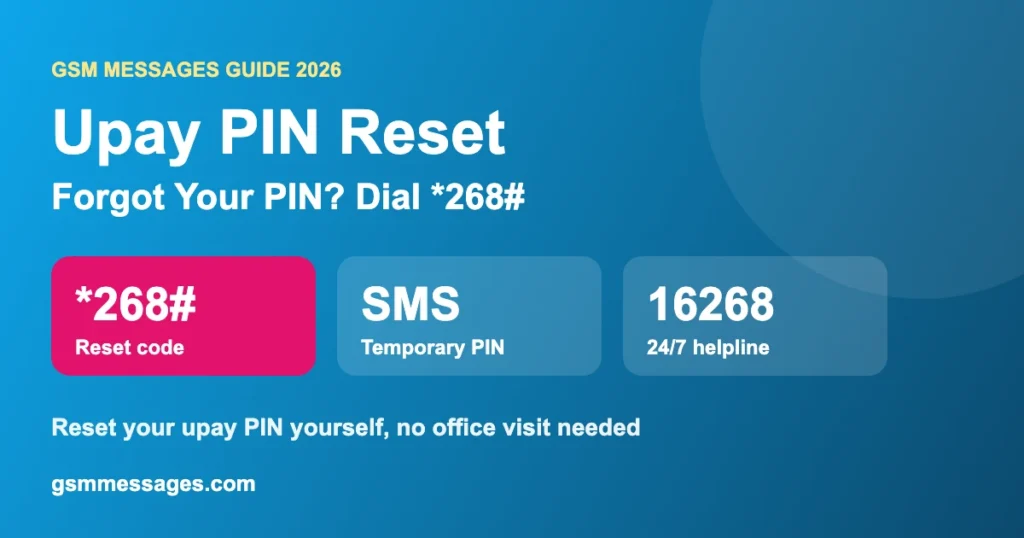
Forgot your upay PIN? Dial *268# from your upay number and choose PIN reset. After you verify your details, upay sends a temporary PIN by SMS. Use it to set a new PIN in the app or USSD menu. It’s free, and you don’t need to visit any office.
Last updated: November 2026. Process based on upay’s official PIN reset page.
How to Reset Your Upay PIN With *268#
- Put the SIM with your upay account in your phone.
- Dial *268#.
- Choose the PIN reset option.
- Answer the verification questions, such as your NID details.
- Wait for the SMS with your temporary PIN.
- Open the upay app (or dial *268# again), enter the temporary PIN, and set a new PIN.
Set the new PIN right away. A temporary PIN is meant for one-time use. Don’t leave it unchanged, and never share it.
Reset Your Upay PIN by Calling
If *268# doesn’t work, call 16268 or 09610916268. The line is open 24/7. Keep your NID handy so they can verify you.
Upay PIN Reset Not Working?
| Problem | Fix |
|---|---|
| *268# menu doesn’t open | Dial from the SIM linked to upay, check signal, try again |
| Verification fails | Enter NID details exactly as on your card. Then call 16268 |
| No SMS with temporary PIN | Wait a few minutes, restart the phone, check SMS inbox space |
| Account locked after wrong PINs | Call 16268 to verify and unlock |
| Lost the SIM | Replace the SIM at your operator first, then reset the PIN |
Pick a PIN That’s Hard to Guess
- Don’t use your birth year, 1234 or repeated digits
- Don’t use the same PIN as bKash, Nagad or your bank card
- Never write it on your NID or phone cover
Other Ways to Reach Upay
Live Chat
Chat option on upay’s website and Facebook Messenger.
upay point
UCB Taqwa Islamic Branch, Gulshan-1, Dhaka. 9:30 AM to 5:00 PM.
Also see the upay cashout calculator.
উপায় পিন রিসেট (বাংলায় সংক্ষেপে)
- উপায় নম্বরের সিম থেকে *268# ডায়াল করুন।
- পিন রিসেট অপশন বেছে NID-এর তথ্য দিয়ে যাচাই করুন।
- SMS-এ টেম্পোরারি পিন আসবে, সেটা দিয়ে নতুন পিন সেট করুন।
- না হলে ২৪ ঘণ্টা খোলা ১৬২৬৮ নম্বরে কল করুন।
Frequently Asked Questions
How do I reset my upay PIN?
Dial *268# from your upay number, choose PIN reset, verify your details, and you’ll get a temporary PIN by SMS. Use it to set a new PIN in the app or USSD menu.
Is upay PIN reset free?
Yes. Resetting your PIN by *268# or through the helpline costs nothing.
Can I reset my upay PIN by calling?
Yes. Call 16268 or 09610916268, which are open 24/7.
My upay account is locked. What should I do?
Call 16268. Support can verify you and help unlock the account or reset the PIN.
Will upay ask for my PIN on the phone?
No. Never share your PIN or temporary PIN with anyone, including callers who say they’re from upay.
Source: upay: PIN Reset. GSM Messages is not affiliated with upay or UCB.