Upay eKYC: How to Open an Upay Account With NID (App and *268#)
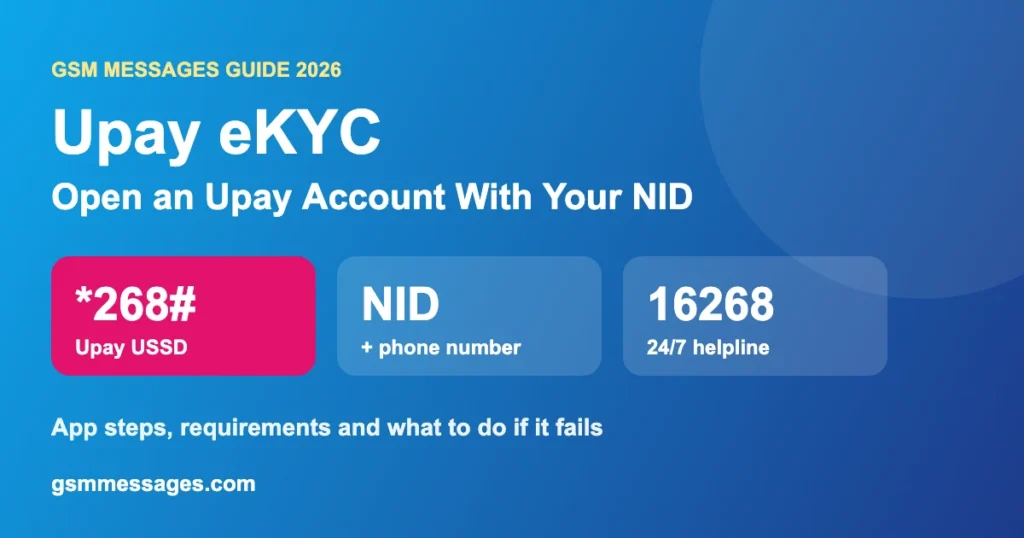
Upay eKYC lets you open an upay account with just your phone number and NID card. You can do it in the upay app with an NID scan and selfie, or start by dialing *268#. No bank visit needed, and help is available 24/7 on 16268.
Last updated: November 2026. Details checked on upay’s official website.
What Is Upay eKYC?
upay is the mobile financial service of UCB Fintech Company Limited, part of United Commercial Bank. eKYC is how it checks who you are: your NID details and face are matched digitally, so you can open an account from home.
What You Need
- A mobile number (SIM registered in your own NID works best)
- Your original NID card
- A smartphone with camera for the app method
How to Open an Upay Account in the App
- Install the official upay app from Play Store or App Store.
- Enter your mobile number and the verification code.
- Scan the front and back of your NID and check the details.
- Take your selfie for face matching.
- Add any extra info asked, accept the terms, and set your PIN.
How to Open Upay by Dialing *268#
- Dial *268# from the SIM you want to use.
- Choose the registration option and follow the menu.
- Enter your NID details when asked.
- You’ll get an SMS. Set your PIN as instructed.
Forgot your PIN later? The same *268# code resets it. See our upay PIN reset guide.
Upay eKYC Problems and Fixes
| Problem | Fix |
|---|---|
| NID scan fails | Daylight, flat surface, no glare, whole card in frame |
| Selfie rejected | No glasses or cap, face the light, phone at eye level |
| Info mismatch | Check SIM registration and your EC record |
| Account already exists | Recover it through 16268 instead of opening a new one |
| Stuck or pending | Call 16268, use Live Chat, or message upay on Facebook |
Upay Customer Support
Call
16268 or 09610916268, 24/7.
Visit
upay point, UCB Taqwa Islamic Branch, Gulshan-1, Dhaka. 9:30 AM to 5:00 PM.
উপায় eKYC (বাংলায় সংক্ষেপে)
- উপায় অ্যাকাউন্ট খুলতে শুধু মোবাইল নম্বর আর NID কার্ড লাগে।
- অ্যাপে NID স্ক্যান ও সেলফি দিয়ে, অথবা *268# ডায়াল করে অ্যাকাউন্ট খোলা যায়।
- সমস্যা হলে ২৪ ঘণ্টা খোলা ১৬২৬৮ নম্বরে কল করুন।
Frequently Asked Questions
What do I need to open an upay account?
Only a phone number and your NID card, according to upay.
Can I open an upay account without the app?
Yes. You can start by dialing *268# from your phone and following the menu.
Who owns upay?
upay is run by UCB Fintech Company Limited, a United Commercial Bank company.
What is the upay helpline number?
16268, or 09610916268. It is open 24/7.
What if upay eKYC fails?
Retake your NID photos and selfie in good light. If it still fails, call 16268 or message upay on Facebook.
Source: upay official website. GSM Messages is not affiliated with upay or UCB.