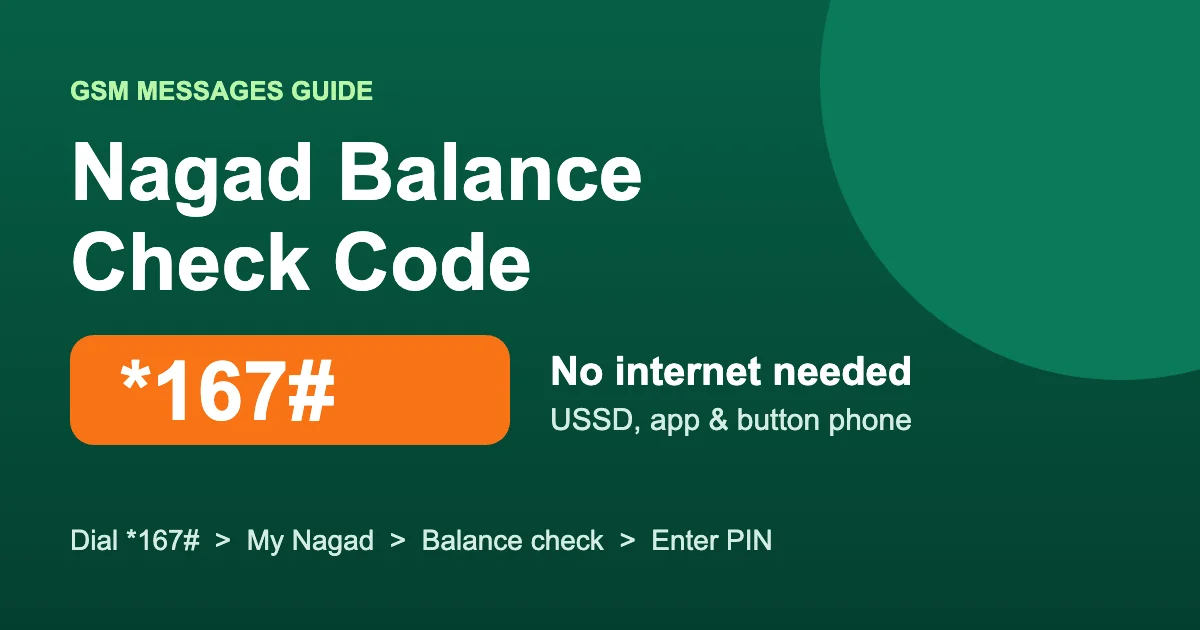
The Nagad balance check code is *167#. Dial *167# from your registered Nagad SIM, open the account (My Nagad) option, choose balance check and enter your PIN. Your balance shows on the screen in a few seconds. It works on any phone, including a button phone, and does not need internet.
Last updated: November 2026. USSD code and account rules checked against Nagad’s official help pages.
Nagad Balance Check Methods at a Glance
| Method | What you need | Internet? | Best for |
|---|---|---|---|
| USSD code *167# | Registered SIM + PIN | No | Button phones, no data |
| Nagad app | Smartphone + PIN | Yes | Quick check, full history |
| Transaction SMS | Recent transaction | No | Balance right after a payment |
| Hotline 16167 | Registered SIM | No | When other methods fail |
Method 1: Nagad Balance Check Code *167# (Without Internet)
This is the most popular way because it works on every mobile phone and every operator, with no app and no data pack.
- Dial *167# from the SIM that is registered with your Nagad account.
- From the menu, select the account option (shown as My Nagad).
- Select the balance check option.
- Enter your Nagad PIN and send.
- Your current Nagad balance appears on the screen.
Tip: Nagad sometimes reorders its USSD menu, so the option numbers can change. Always pick by the label you see on the screen, not by a number from an old guide.
Nagad Balance Check on a Button Phone
Button (keypad) phones such as Symphony, Walton or Itel models use exactly the same steps. Dial *167#, choose My Nagad, then balance check, and type your PIN. If the menu closes before you answer, dial again and reply a little faster, because USSD sessions time out after a short time.
Method 2: Check Nagad Balance in the Nagad App
- Open the Nagad app and log in with your PIN.
- On the home screen, tap the balance area at the top.
- Your balance shows for a few seconds, then hides again for privacy.
The app also shows your full transaction history, so it is the easiest way to check where your money went. Do not have the app yet? Get it from the official link on nagad.com.bd or from Google Play or the App Store.
Method 3: Check the Transaction SMS
After a cash in, cash out, send money or payment, Nagad sends a confirmation SMS to your registered number. This message usually includes your new balance, so you can see it without dialing anything. Nagad does not publish a separate SMS code for checking balance, so be careful with websites that share one.
Method 4: Call Nagad Customer Care
If *167# does not work and you cannot use the app, call the Nagad hotline 16167 or 096 096 16167 from your registered number. See our full guide to the Nagad customer care number for email, office address and service centers.
Nagad Balance Check Not Working? Quick Fixes
- Wrong SIM: dial from the exact SIM registered with Nagad. A different SIM opens a new-account menu instead.
- Wrong PIN: too many wrong tries can lock the account. If you forgot your PIN, reset it yourself: dial *167#, press 8 for PIN Reset and follow the steps (official guide).
- Session timed out: the USSD menu closed while you were typing. Dial *167# again.
- Network problem: move to a spot with better signal or restart your phone.
- Still not working: call 16167 for help.
Is Nagad Balance Check Free?
Checking your balance is not listed as a paid service on Nagad’s limits and charges page, and checking in the app only uses a small amount of internet data. Only transactions such as send money, cash out and bill pay have charges.
How Much Money Can You Keep in Nagad?
According to Nagad, a customer can keep a maximum of Tk 500,000 in a Nagad account at any time. When your balance reaches this limit, you cannot receive cash in, add money or send money until the balance goes down. Remittances and disbursements are an exception.
Keep Your Nagad Balance Safe
- Never share your PIN or OTP with anyone, even someone who says they are from Nagad.
- Check your balance after every large transaction to make sure it is correct.
- If your balance drops without your knowledge, call 16167 immediately.
Know the Charge Before You Cash Out
Now that you know your balance, find out exactly how much you will receive after charges with our free Nagad Cashout Calculator. You can also compare with the bKash Cashout Calculator or browse all free online calculators.
নগদ ব্যালেন্স চেক করার নিয়ম (বাংলায়)
- নগদ অ্যাকাউন্ট খোলা সিম থেকে *167# ডায়াল করুন।
- মেনু থেকে My Nagad (অ্যাকাউন্ট) অপশন বেছে নিন।
- ব্যালেন্স চেক অপশন সিলেক্ট করুন।
- আপনার নগদ পিন দিয়ে পাঠান।
- স্ক্রিনে আপনার নগদ ব্যালেন্স দেখাবে।
বাটন ফোনেও একই নিয়মে চেক করা যায়, ইন্টারনেট লাগে না। নগদ অ্যাপ থাকলে হোম স্ক্রিনের উপরে ব্যালেন্সের জায়গায় ট্যাপ করলেই ব্যালেন্স দেখা যায়। সমস্যা হলে নগদ হেল্পলাইন 16167 নম্বরে কল করুন।
Frequently Asked Questions
What is the Nagad balance check code?
The Nagad balance check code is *167#. Dial it from your registered SIM, choose My Nagad, select balance check and enter your PIN.
How can I check my Nagad balance without internet?
Dial *167# from your registered Nagad SIM. USSD works without internet on any phone, including button phones.
How do I check my Nagad balance in the app?
Open the Nagad app, log in with your PIN and tap the balance area at the top of the home screen.
Is there an SMS code to check Nagad balance?
Nagad does not publish a separate SMS code for balance checks. Your transaction confirmation SMS usually shows your new balance.
Why is my Nagad balance check not working?
Make sure you dial from the registered SIM, enter the correct PIN and have network signal. If it still fails, call Nagad customer care at 16167.
What is the maximum balance in a Nagad account?
According to Nagad, you can keep a maximum of Tk 500,000 in a Nagad account at any time.