Network Topology Diagram: 7 Types With Simple Examples (Ultimate Guide)

A network topology is the layout of how computers, phones, switches and other devices are connected in a network. A network topology diagram is simply a drawing of that layout.
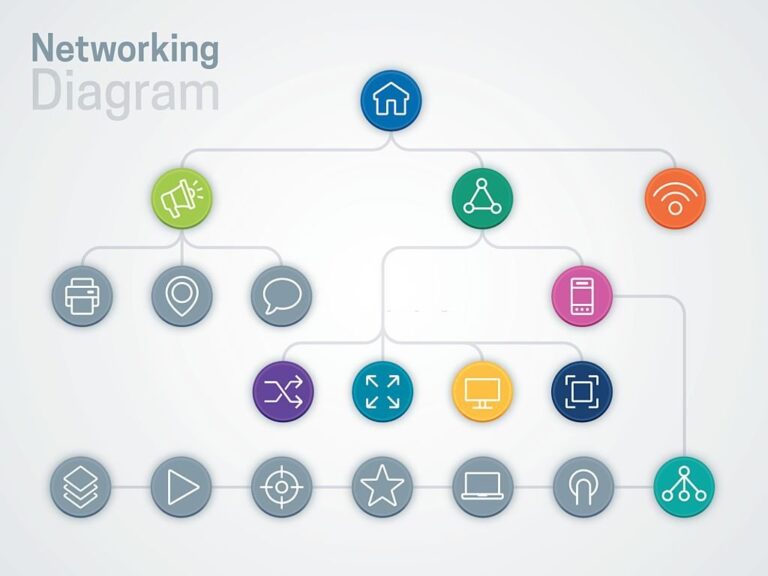
This guide explains the seven main types with simple text diagrams, compares their pros and cons, and shows which one to use for a home, office or school.
What Is Network Topology?
Every network has two layouts:
- Physical topology: how the cables and devices are actually placed.
- Logical topology: how data travels between devices, even if the cables look different.
Drawing a diagram helps you plan cabling, find faults faster and explain the setup to others.
7 Types of Network Topology
1. Bus topology
All devices connect to one main cable called the backbone. Data travels along the cable and every device sees it.
PC1 --- PC2 --- PC3 --- PC4 (one shared line)
- Pros: cheap and easy for small networks.
- Cons: if the main cable breaks, the whole network stops.
2. Star topology
Every device connects to a central switch or router. This is the most common layout in homes and offices.
- Pros: one broken cable affects only one device; easy to add new devices.
- Cons: if the central switch fails, everything stops.
3. Ring topology
Each device connects to two neighbours, forming a circle. Data moves around the ring in one direction (or both in a dual ring).
- Pros: orderly data flow with fewer collisions.
- Cons: one failed device can break the ring unless it is a dual ring.
4. Mesh topology
Devices connect to many or all other devices. In a full mesh every device links directly to every other device.
- Pros: very reliable, with many paths for data.
- Cons: expensive and complex because of the many links.
5. Tree topology
A tree joins several star networks to a main backbone, like branches on a trunk. It suits large buildings and campuses.
- Pros: easy to expand by floor or department.
- Cons: a backbone fault cuts off whole branches.
6. Hybrid topology
A hybrid mixes two or more types, for example star networks on each floor linked by a ring. Most real company networks are hybrids.
7. Point-to-point topology
Two devices are connected directly with one link, such as two buildings joined by a fibre cable or a wireless bridge.
Network Topology Comparison Table
| Type | Cost | Reliability | Best for |
|---|---|---|---|
| Bus | Low | Low | Very small or temporary setups |
| Star | Medium | Medium to high | Homes, shops, offices |
| Ring | Medium | Medium | Some city and fibre networks |
| Mesh | High | Very high | Data centres, critical systems, Wi-Fi mesh |
| Tree | Medium to high | Medium | Schools, campuses, large offices |
| Hybrid | Varies | High | Large companies |
| Point-to-point | Low | High | Linking two sites |
How to Draw a Network Topology Diagram
- List every device: router, switches, computers, printers, access points.
- Choose a tool such as draw.io (free), Microsoft Visio or Lucidchart.
- Place the router or main switch in the centre or at the top.
- Draw lines for each connection and label cable type or speed.
- Add IP addresses or room names to make troubleshooting easier.
- Keep the diagram updated when you add or move devices.
Which Topology Should You Choose?
- Home or small shop: star, using one router and maybe a switch.
- Office with several floors: tree or hybrid.
- Critical systems: mesh, for backup paths.
- Two buildings: point-to-point link.
Learn how mobile networks fit into the bigger picture in our guide to generations of mobile networks. For more depth, see the network topology article on Wikipedia.
Frequently Asked Questions
What are the main types of network topology?
Bus, star, ring, mesh, tree, hybrid and point-to-point.
Which network topology is most common?
Star topology, because it is easy to manage and one cable fault does not stop the whole network.
Which topology is the most reliable?
Mesh topology, because data has many possible paths.
What is the cheapest topology?
Bus topology uses the least cable, but it is the least reliable.